Stay ahead OF Fatigue.
Get a clearer view of employee workloads and identify fatigue risks before making your next scheduling decision.
Keep your workforce safe, alert, and ready for duty.
Look ahead at risk
Identify upcoming rotations that exceed your agency’s fatigue thresholds.
Act before assigning
Review fatigue alerts before adding more work to an employee’s schedule.
Check qualifications
Identify qualification concerns before assigning an employee to a shift.
Make support accessible
Give employees anonymous access to agency-selected wellness resources.
Inside Wellness and Fatigue:
Know where the risks are.
Bring scheduling-related risks into focus, giving agencies the insight to better support their people and the communities they serve.
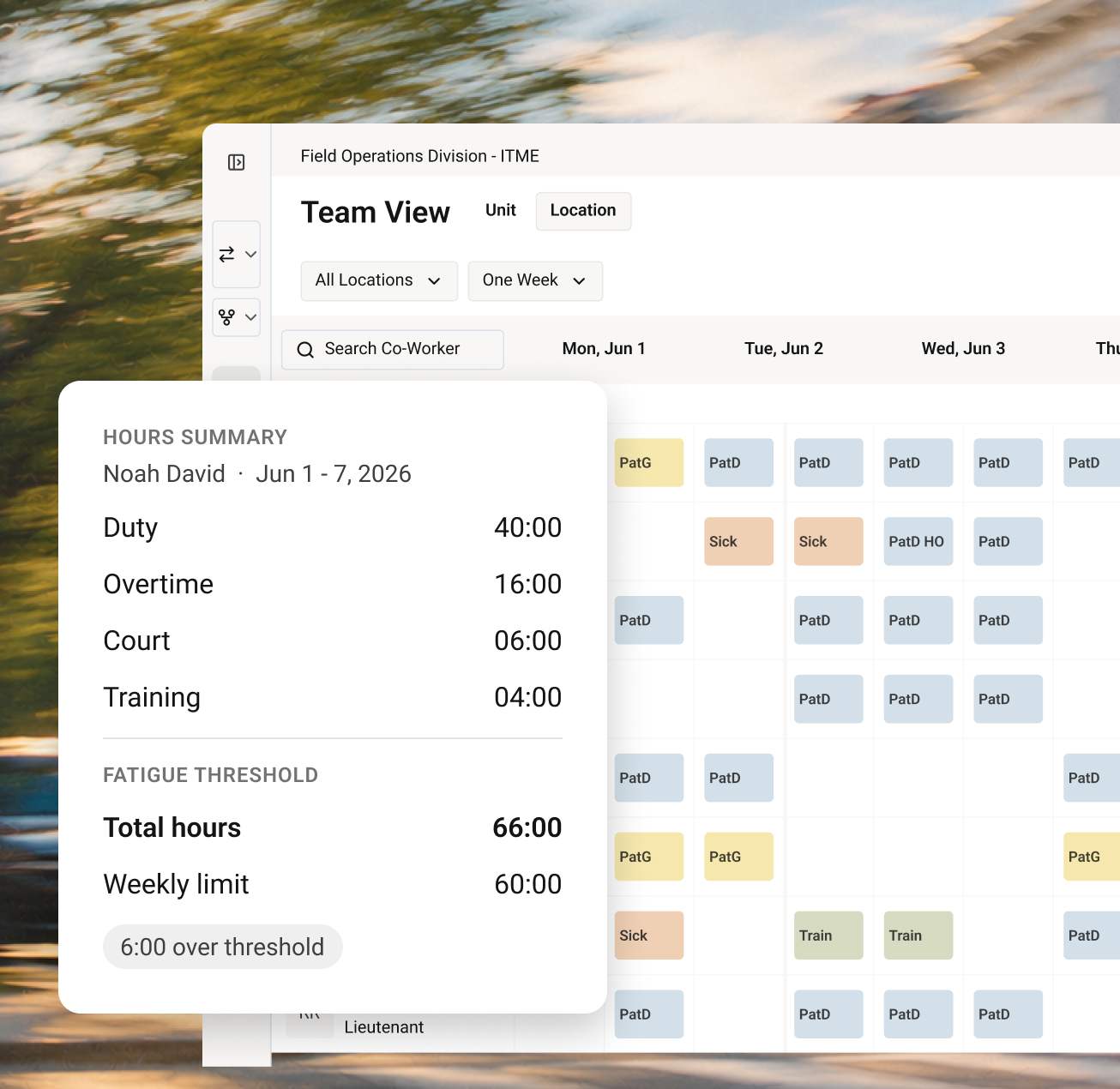
Fatigue Dashboards
Find the work patterns that need attention
- Review recorded duty, overtime, court, and training hours against your fatigue thresholds.
- Look ahead at upcoming work rather than waiting until a demanding period has passed.
- Drill into units, teams, or individuals to understand where scheduling changes may help.
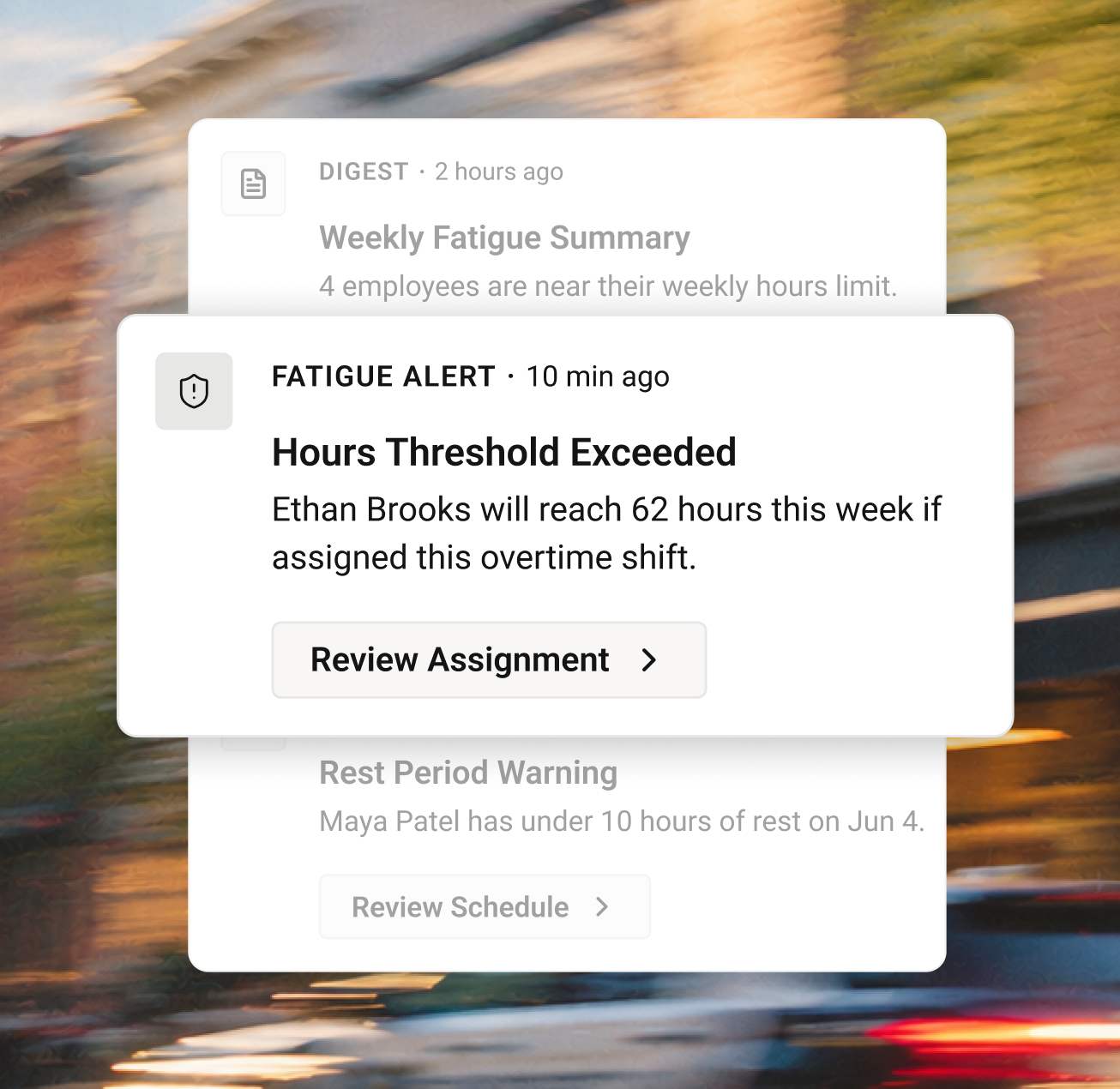
Scheduling Alerts
Bring your fatigue rules into assignment decisions
- Use InTime Scheduling alerts to flag assignments that exceed configured hours thresholds.
- Set limits around your agency policies and union requirements.
- Give supervisors a prompt to review the assignment before placing more demand on an employee.
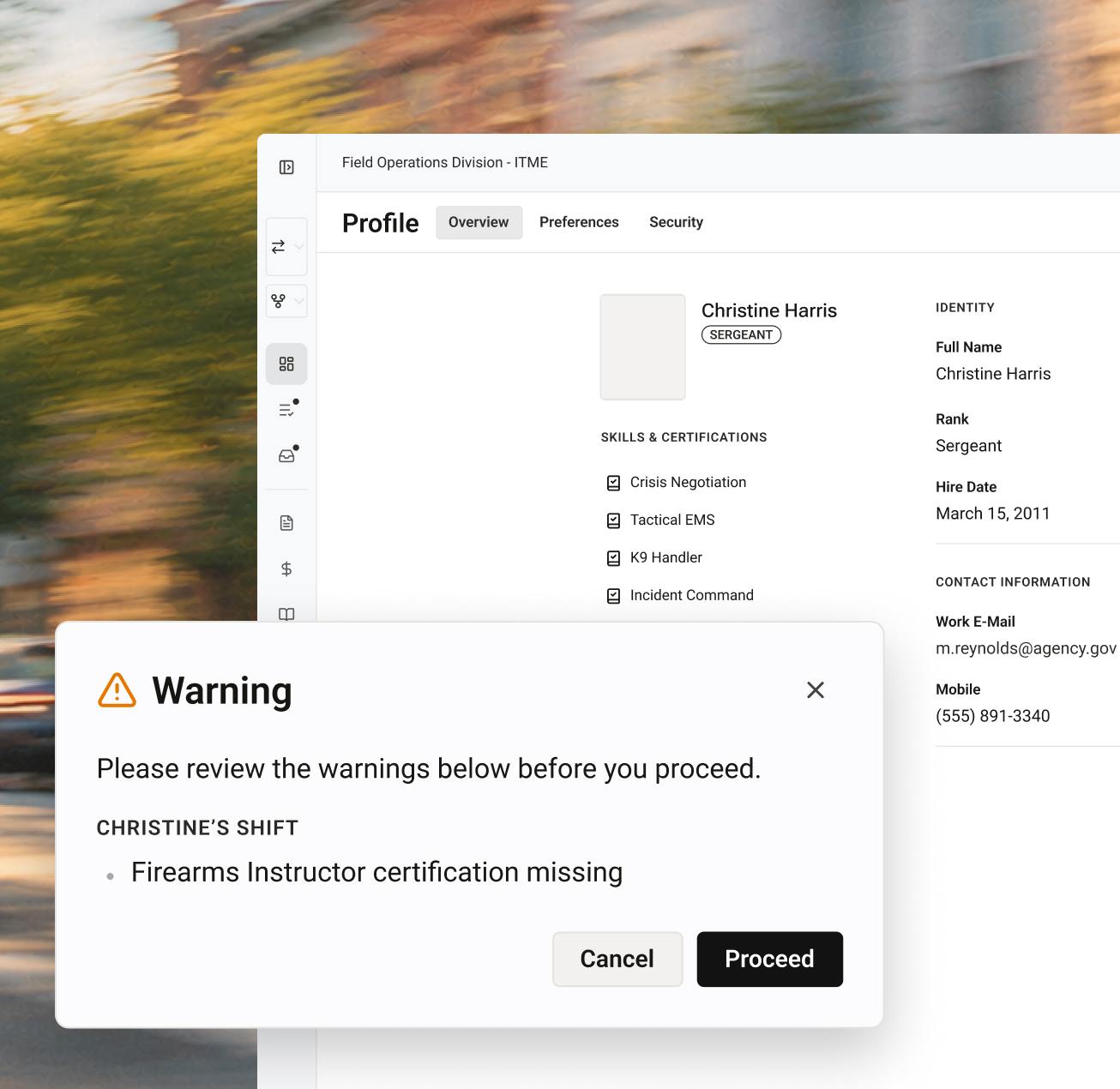
Qualification Alerts
Check training requirements before assigning work
- Use scheduling alerts to flag when an employee lacks the training required for an assignment.
- Bring qualification concerns into the scheduling decision alongside fatigue warnings.
- Give supervisors a reason to review the assignment before it reaches the employee.
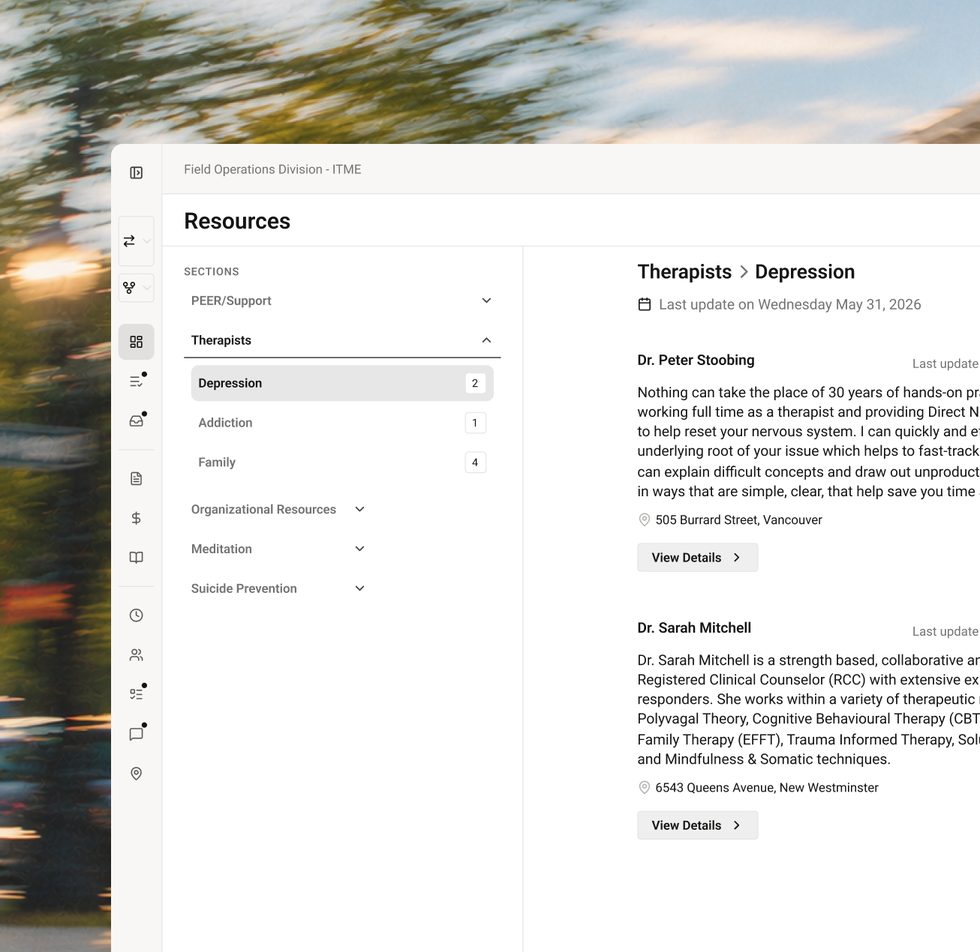
Wellness Resources
Make agency support available around the clock
- Populate the Wellness Resource Library with resources selected for your employees.
- Give staff anonymous access through the web or a smartphone, 24/7.
- Update the library as your team’s needs change so employees have a central place to find support.
Because the people behind every shift matter.
"InTime Wellness helped us identify potential situations where we’re placing unnecessary burdens on our employees through scheduling."

Johnson County KS Sheriff
Jonathan Koch, Regional Peer Support Coordinator
488
Sworn officers
640K
Population served
01
Set your thresholds
Configure fatigue thresholds around your agency’s policies to flag scheduling risks before additional work is assigned.
02
Get alerted to potential risks
Scheduling alerts flag assignments that exceed your thresholds, while dashboards provide a broader view of workforce fatigue risks.
03
Make informed adjustments
Review flagged assignments and adjust schedules to help manage fatigue risks before adding to an employee’s workload.
Bring workforce wellbeing into daily operations
Scheduling
Manage coverage, rotations, and daily staffing changes in one live schedule.
Overtime Management
Fill open shifts using your rules for eligibility, outreach, and equitable distribution.
Reporting and Dashboards
Track coverage, overtime, fatigue, and staffing activity to improve future decisions.
Leave Management
Manage requests, balances, approvals, and schedule impact in one workflow.
Training Management
Identify training gaps that could affect an employee’s eligibility for a shift.
Asset Management
Keep assigned equipment current, compliant, and ready for duty.
See the risks. Support your people.
See how InTime Wellness helps your agency recognize fatigue risks early and make more informed scheduling decisions.
Frequently asked questions
about wellness.
How does InTime identify fatigue risk?
InTime Wellness uses scheduling data and configured thresholds to highlight work patterns that need attention. It supports supervisors’ scheduling decisions; it does not measure an employee’s physical condition or diagnose fatigue.
Can the alerts reflect our agency’s rules?
Yes. Supported by InTime Scheduling, fatigue alerts can reflect the hours thresholds in your agency policies and union rules. Our team can review those requirements with you during configuration.
Does it consider overtime and other assignments?
Yes. Wellness monitoring brings together recorded regular duty, overtime, extra duty, court, training, and leave. That gives supervisors a broader view of work patterns than regular shifts alone.
Can employees access wellness resources privately?
Yes. The Wellness Resource Library provides anonymous access through the web or a smartphone, 24/7. Your agency selects the resources and can update them as staff needs change.