
Better visability. Better Decisions.
Turn staffing, overtime, and leave data into insights that help your agency identify operational pressures. Use those insights to improve operational decisions and plan for future demands.
Why agencies use InTime Reporting and Dashboards.
See workforce patterns
Compare scheduled hours, overtime, and leave to spot staffing pressures.
Explain resource use
Link overtime reasons to assignments for clearer budget or reimbursement reviews.
Dig deeper with reports
Start with 100+ pre-built reports to review training, approval history, leave, or time-bank records.
Keep employees informed
Give staff access to their balances and request history without routine calls to the office.
Inside InTime Reporting and Dashboards.
Explore dashboards and detailed reports to uncover workforce trends, investigate staffing pressures, or understand how resources are being used.
Workforce Dashboards
See how workforce patterns connect
- Review scheduled versus worked hours, overtime reasons, and the status of overtime postings.
- Compare leave with overtime trends to see where absences coincide with extra hours.
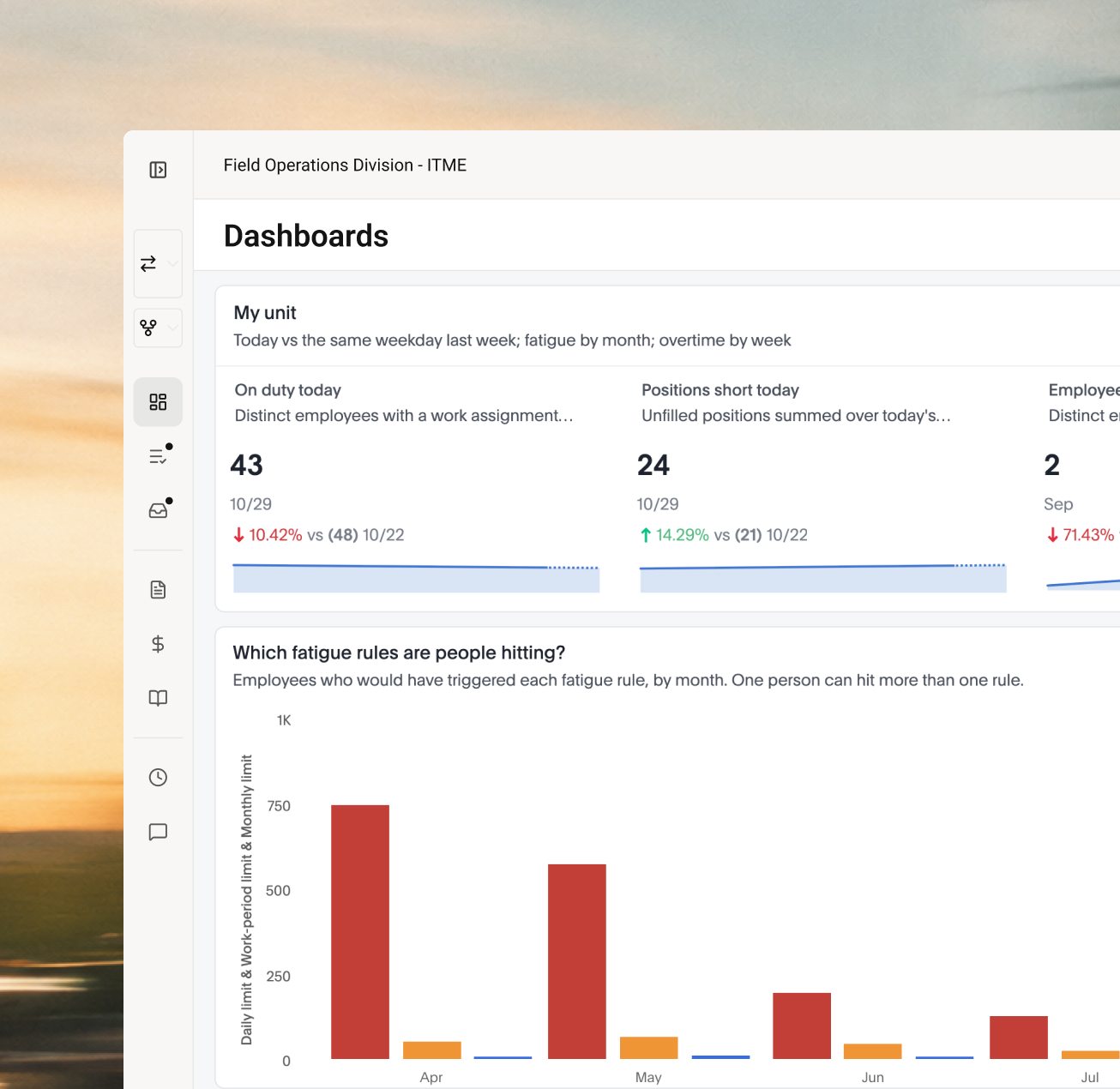
- Review fatigue threshold violations, including affected employees, limits exceeded, and hours over threshold.
Overtime Analysis
Trace overtime hours to the work behind them
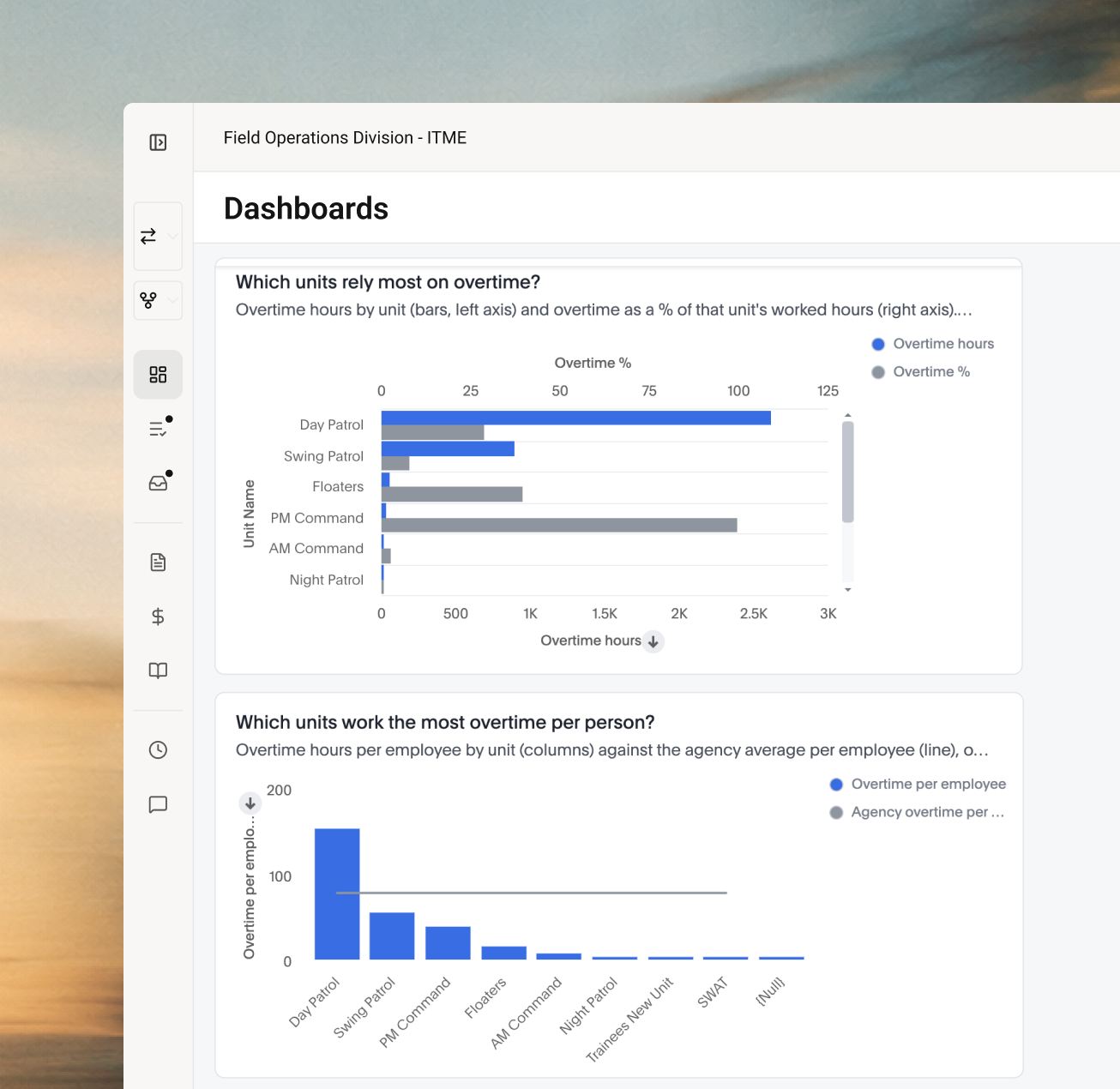
- Review overtime hours by recorded activity and reason.
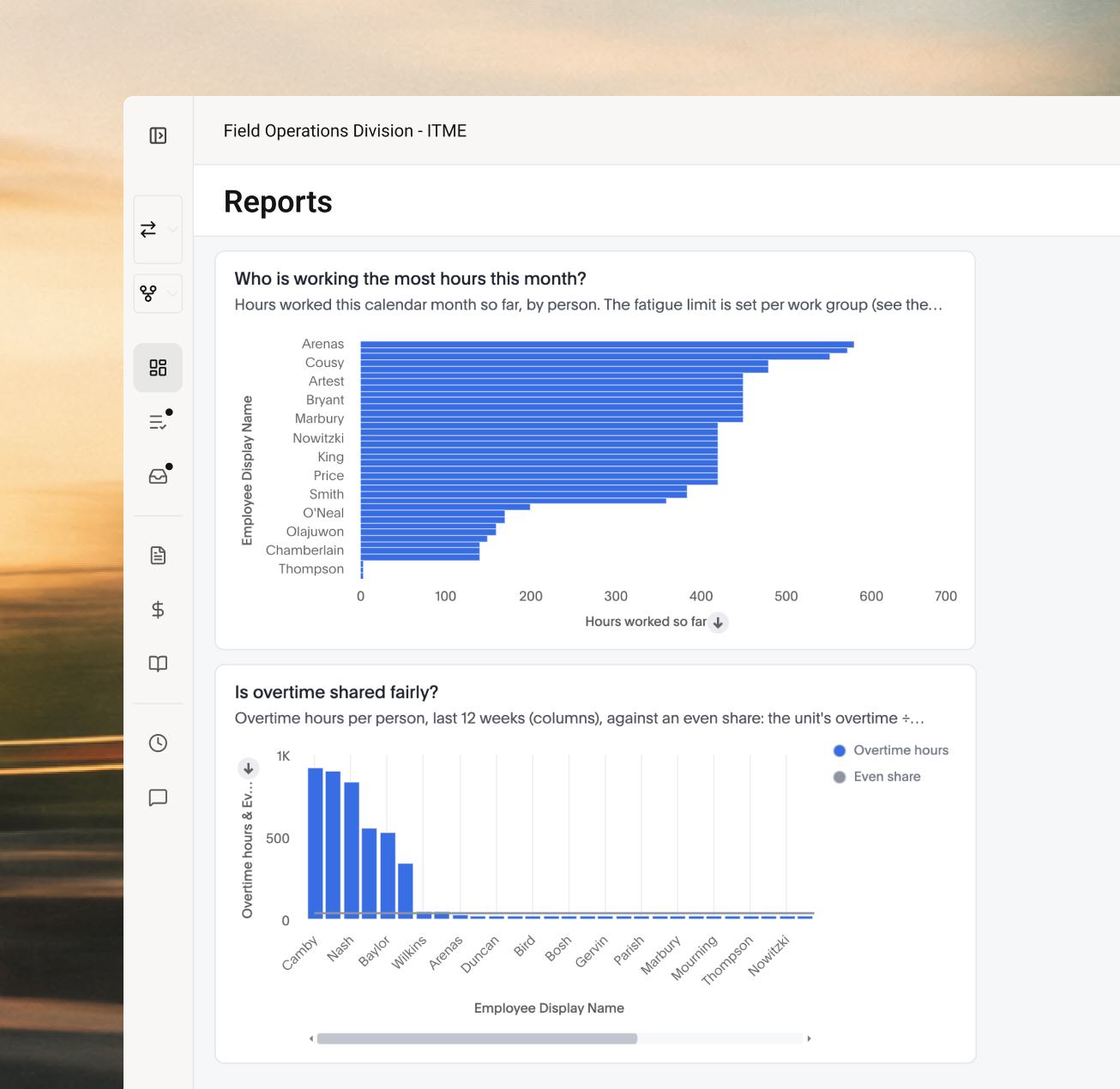
- Compare overtime hours by employee or location to see where extra hours are concentrated.
- Use recorded activity details to support budget explanations or reimbursement reviews.
Configurable Reports
Start with 100+ pre-built reports
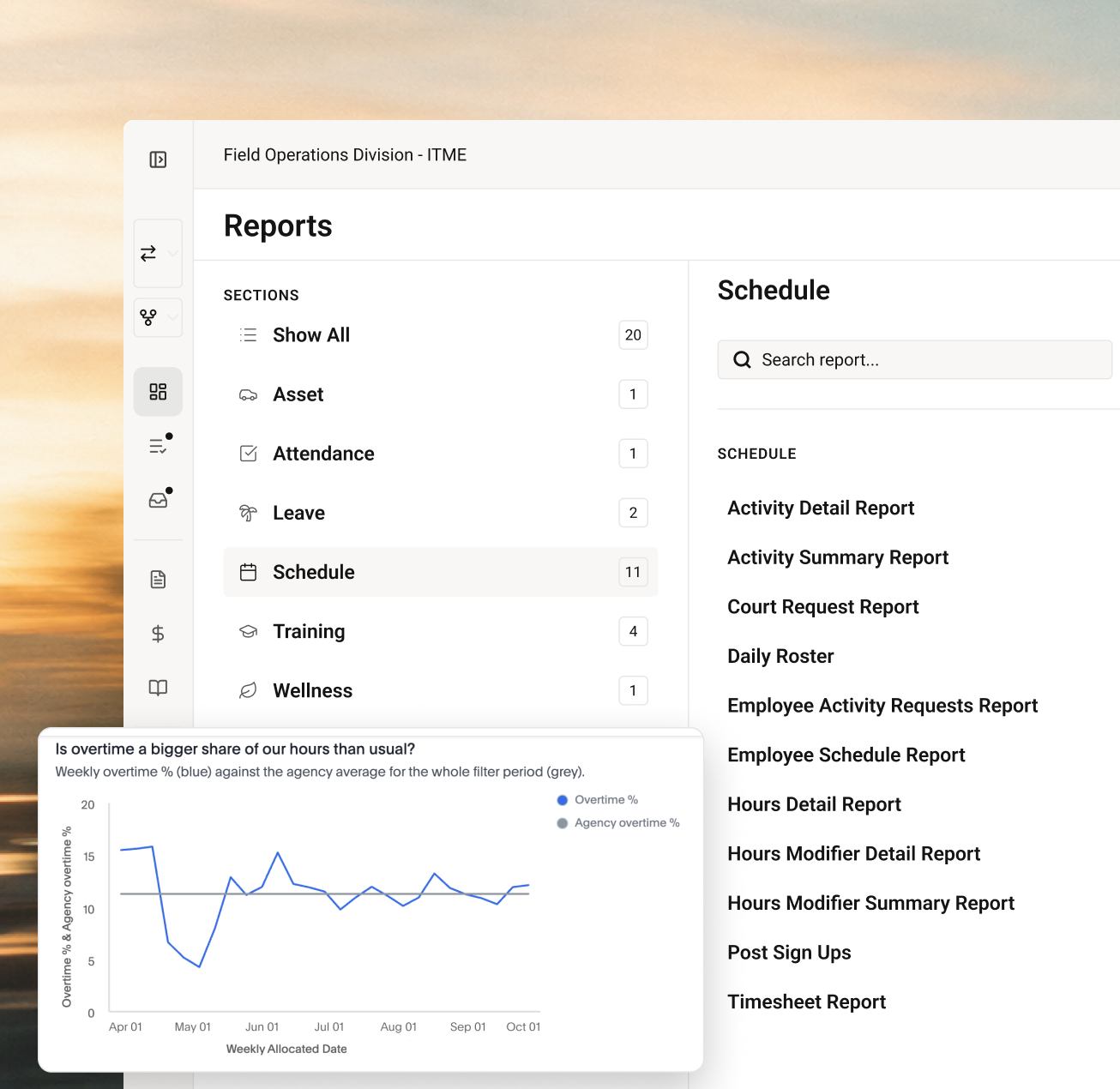
- Access detailed records covering employee hours, leave, assignments, and more.
- Narrow results by employee, team, or date to investigate specific questions.
- Use report details to verify records and support internal reviews.
Employee Reports
Give staff access to their own records
- Employees can review their own leave balances, time-bank activity, and overtime records.
- Each user can check the status of their overtime signups or leave requests.
- Through InTime Web or Mobile, users can access their personal records without contacting the scheduling office.
Find the clarity you need in your
workforce data.
“With InTime, I can narrow down exactly how many hours were spent on a specific overtime activity”

Winnebago County Sheriff
Tami Goral, Fiscal Director and HR Liason
380
Employees
56K
Population served
01
Explore available reports
Whether responding to a request or investigating a concern, find the report that helps you get the answers you need.
02
Narrow your results
Filter by employee, team, and date to review the records relevant to your question.
03
Export and share findings
Download relevant report results to respond to leadership requests or support operational decisions.
Better insights start with connected workforce operations.
Scheduling
Manage coverage, rotations, and daily staffing changes in one live schedule.
Overtime Management
Fill open shifts using your rules for eligibility, outreach, and equitable distribution.
Timekeeping
Create timesheets from the live schedule for review, approval, and payroll export.
Wellness and Fatigue Management
Monitor fatigue risks based on hours worked, rest periods, and agency-defined limits.
Integrations
Connect workforce data to payroll, dispatch, and records management systems.
Event Management
Manage regular schedules, extra-duty assignments, and special events in one place.
Ready to optimize Your Workforce?
See how InTime turns workforce data into insights for better staffing decisions and future planning.
Frequently asked questions
about reporting and dashboards
What can we see in the dashboards?
InTime combines 100+ pre-built reports with dashboards to give agencies a clearer view of workforce activity. Dashboards show scheduled versus worked hours, overtime reasons, posting status, leave trends, and fatigue warnings. Detailed reports let command staff investigate the records behind these trends.
Can we tailor reports to our agency’s questions?
Yes. Start with 100+ pre-built reports and filter by employee, team, or date. Report subjects include activity details, approval history, training levels, fatigue records, leave hours, and time-bank balances.
Can employees see their own information?
Yes. Employees can use InTime Web or Mobile to review their time-bank balances, overtime signup status, and leave request history, including approvals and rejections.
Can we export report information?
Yes. You can export report information in supported formats for sharing or further review. Our team can confirm the available formats for the reports your agency uses.