Court and Subpoena Management, simplified.

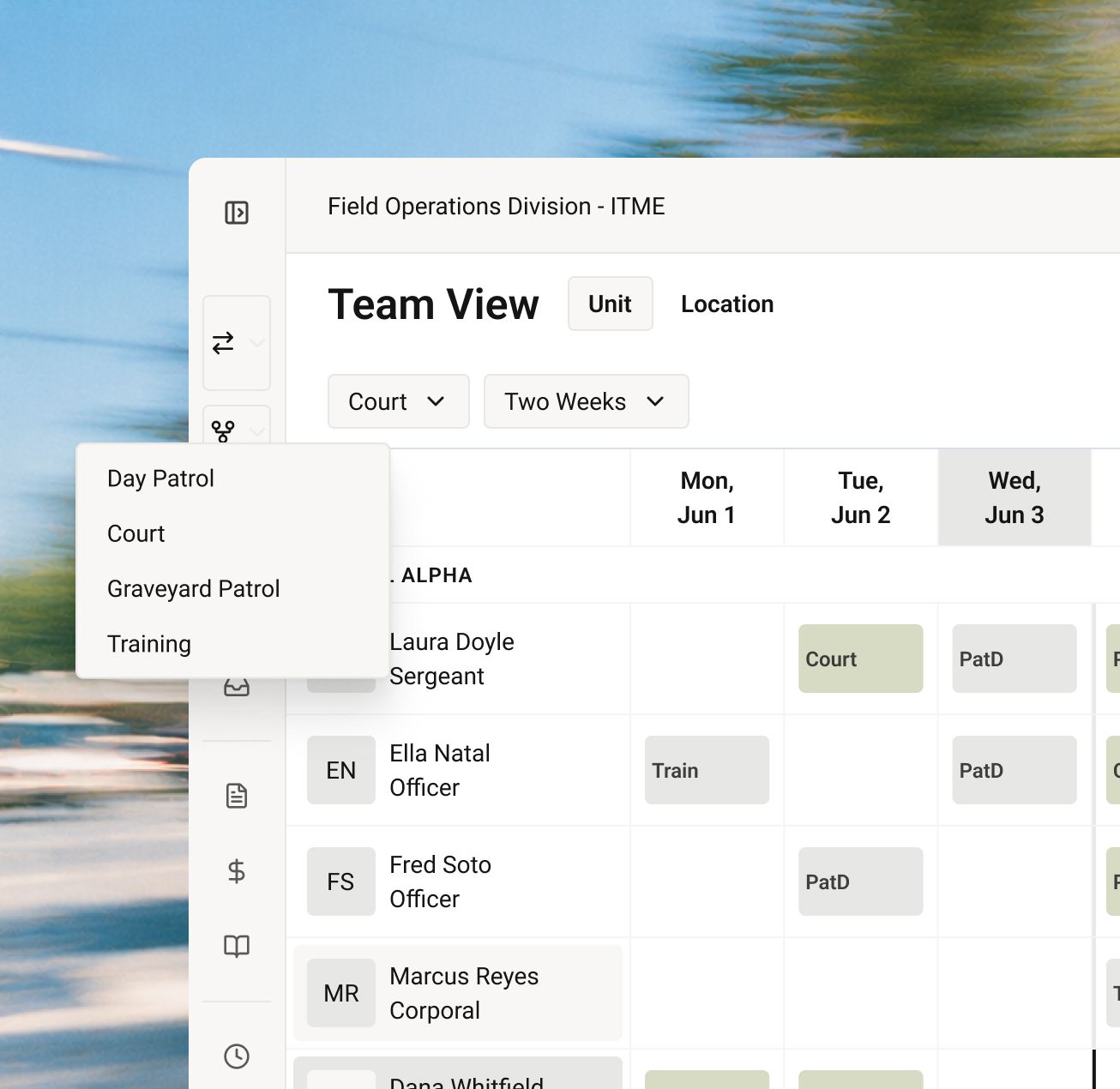
Manage court appearances alongside daily assignments in one live schedule. See the staffing impact while keeping officers informed of changes.

WHY INTIME

Why agencies use InTime Court and Subpoena.

Prepare officers for court appearances

Manage court appearances within the schedule, with subpoena details available to officers.

Avoid court scheduling conflicts

Check officer availability before court dates are confirmed to reduce scheduling conflicts.

Keep officers updated on changes

Notify officers of court changes promptly to help avoid unnecessary attendance.

Gain better visibility into court hours

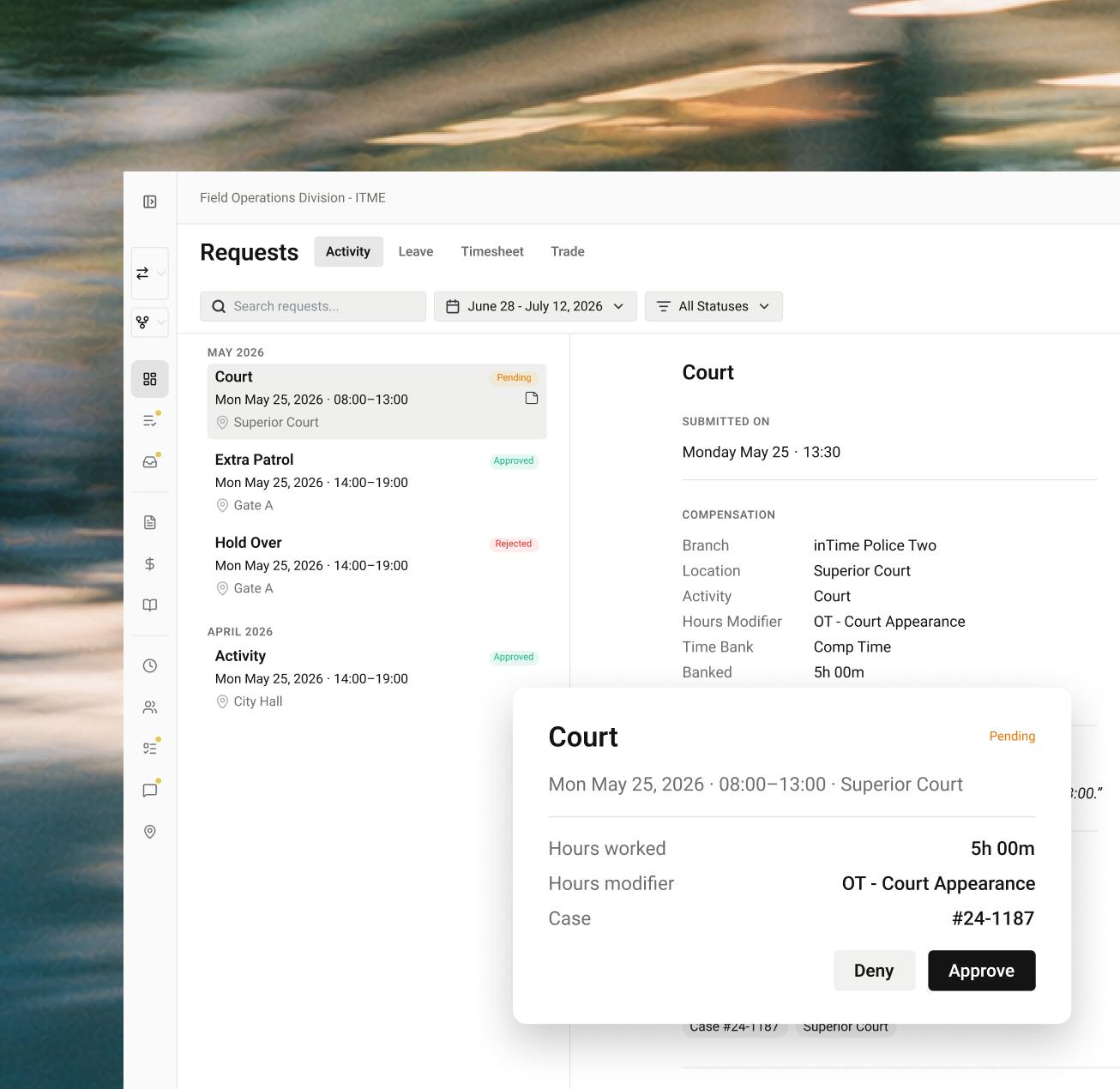
Understand how court assignments contribute to overtime with hours recorded by case.

FEATURES

Inside InTime Court and Subpoena:
Every court appearance, connected.

Bring court coordination into one connected workflow, giving your team greater visibility and control over every appearance.

Choose court dates with availability in view

  • Let court clerks check witness availability when selecting a date.
  • Reduce calls between the court and liaison to confirm who can attend.
  • Coordinate appearances with existing officer commitments before a conflict becomes a rescheduling task.

Give officers the details behind the court date

  • Receive electronic subpoenas from participating courts through your agency’s configured process.
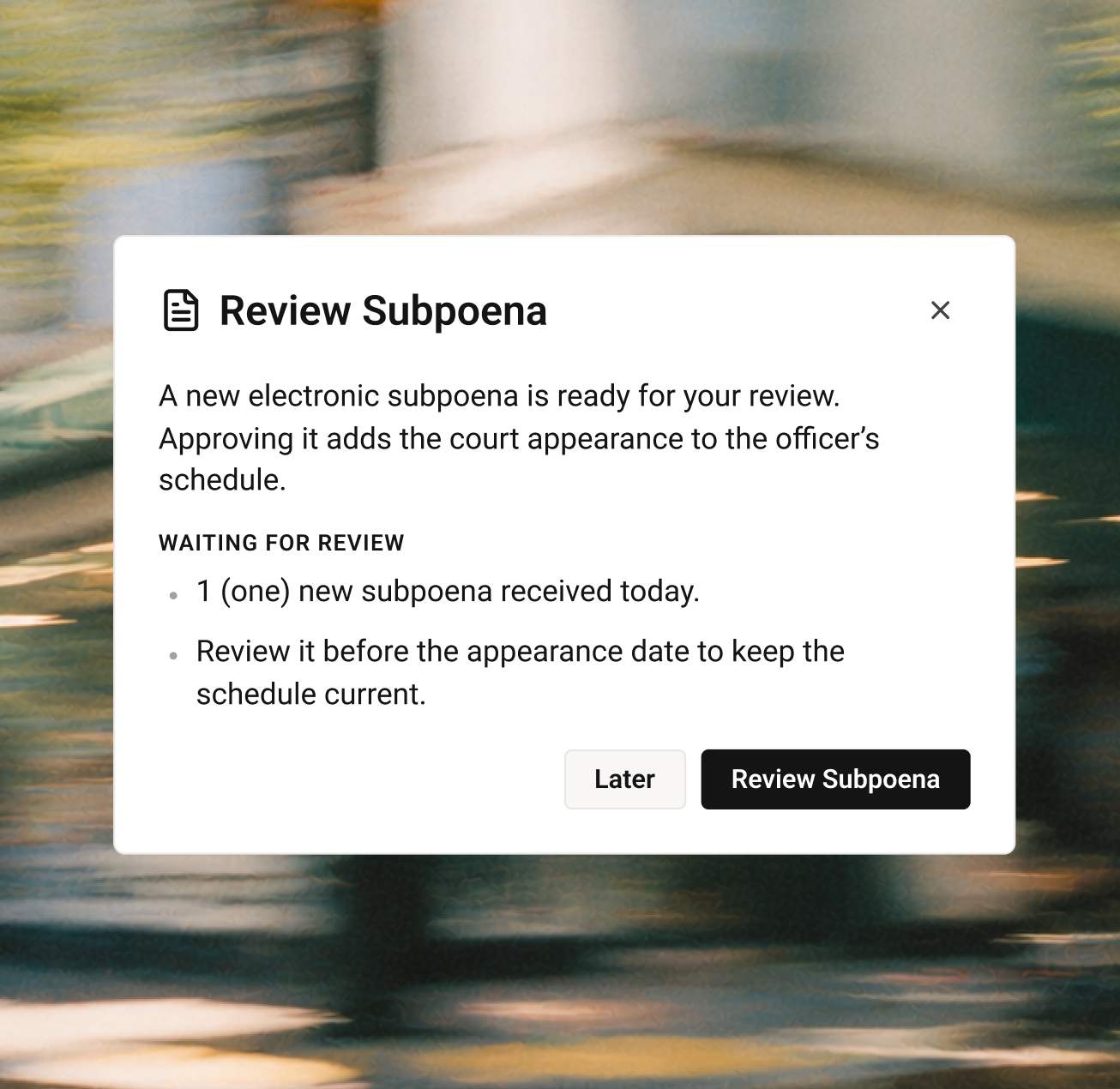
  • Your agency’s designated approver reviews the subpoena; approval adds the appearance to the officer’s schedule.
  • Give officers access to subpoena information and court assignment details through the app, including the case information supplied for the appearance.


Reach officers when court plans change

  • Court liaisons update or reschedule appearances directly from the schedule.
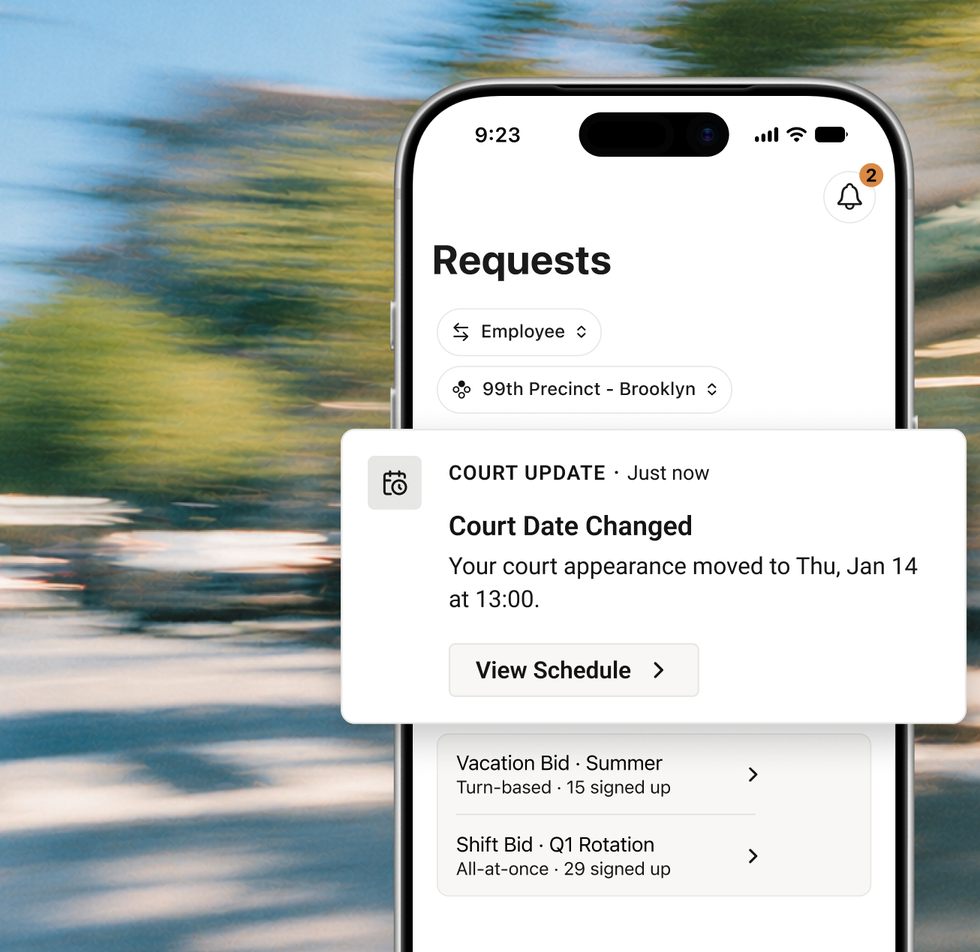
  • Changes trigger officer notifications by email, text, or the app, depending on your setup.
  • Keep the revised court appearance alongside the officer’s other assignments in the live schedule.

Understand the time behind each case

  • Report on hours and resources recorded against specific cases.
  • See which employees worked a case, the overtime type, and court call-offs.
  • Use case records to review how witness assignments contribute to court overtime.


InTime Team View schedule showing court appearances alongside patrol and training shifts
InTime pop-up notification asking an approver to review a new electronic subpoena
InTime mobile app notification telling an officer their court date and time changed
InTime Requests view showing a court activity with hours ready for supervisor approval
CASE STUDY

Court coordination that
keeps pace with policing.

"If we have notifications or de-notifications of court, we’re able to do that much more quickly and efficiently."

Metro Vancouver Transit Police Department

Metro Vancouver Transit Police

CJ Kyle, Inspector

50%

reduction in court subpoena time

204

reduction in scheduling time

3M+

Population served

HOW IT WORKS

Receive the subpoena.
Confirm the appearance.
Manage changes.

01

Agency receives the subpoena

Receive subpoenas through your agency’s configured process, with witness availability visible to connected courts.

02

Agency reviews or auto-approve

Subpoenas are reviewed or automatically approved based on agency settings before being added to the schedule.

03

Liaison keeps officers updated

Court changes trigger notifications so officers stay informed of rescheduled or cancelled appearances.

Ready to Modernize Court coordination?

See how InTime can help your agency maintain coverage, reduce schedule errors, and make everyday changes faster.

FAQS

Frequently asked questions
on Court and Subpoena Management.

Your agency’s designated approver reviews the electronic subpoena in InTime. Approval makes the court appearance visible in the officer’s schedule alongside other assignments. Our team can review your agency’s approval process during setup.

Officers can view electronic subpoena information and court assignment details through the app, including case information supplied for their appearance. They can see the court commitment alongside their regular assignments. The information available depends on your agency’s court workflow.

Court liaisons manage changes in InTime. Updates trigger notifications by email, text, or the app, depending on your setup, helping officers avoid unnecessary attendance when court plans change.

Yes. Court reports show recorded hours and resources by case, including the employees involved, overtime types, and call-off information. These records help your team investigate court overtime and review attendance practices.

InTime can support an internal agency workflow or a connection with participating courts. Court-side availability checks and electronic delivery depend on that connection. Our team can review the setup that fits your subpoena process.