
More than a mobile schedule.
From overtime signups to time-off requests, give employees the ability to take action from their phones. Supervisors can keep approvals moving wherever duty takes them.
Why agencies use InTime Mobile.
Fewer calls about the schedule
Give employees instant access to their schedules, with changes sent directly to their phones.
Less paperwork between shifts
Give staff a way to submit leave, trade requests, and time records without returning to a workstation.
Faster responses to open work
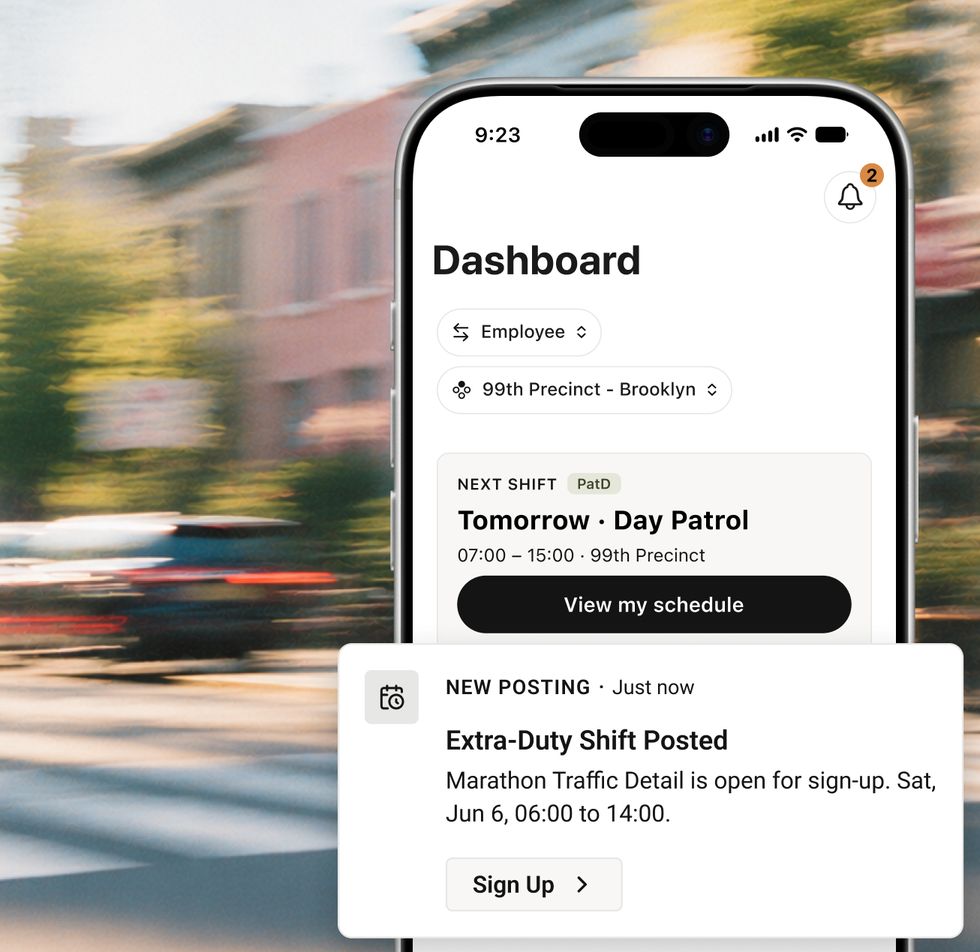
Notify employees about available assignments so they can review the details and sign up from their phone.
Approvals that keep moving
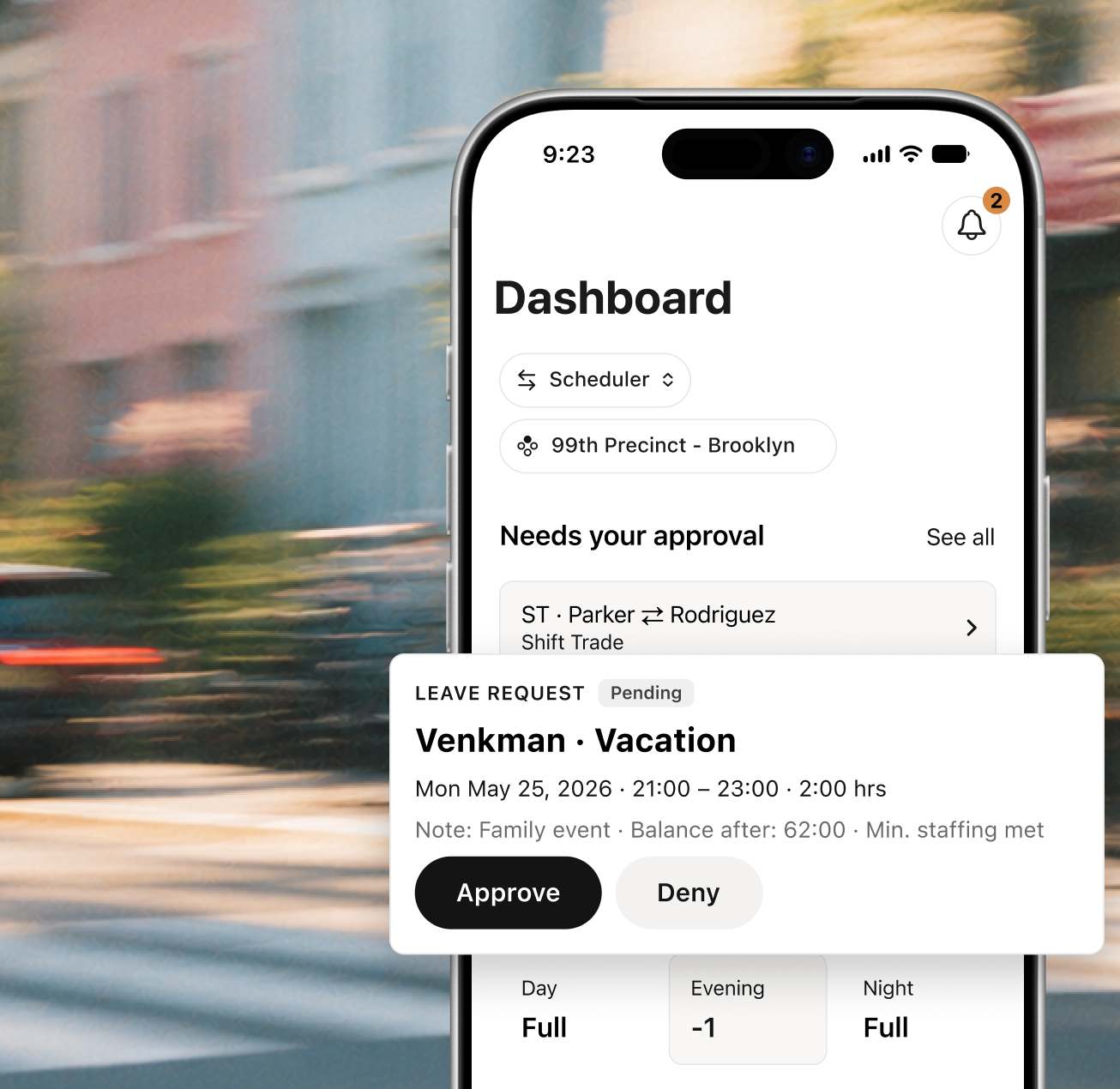
Let supervisors review pending requests from their phones, without waiting to return to a desk.
Inside InTime Mobile:
Stay connected. Keep things moving.
Less chasing down information, more clarity around what’s happening. Give your team one reliable place to stay connected, on duty or off.
Schedules and Signups
See what is happening from your phone
- Check assignment times, locations, and event details in your personal or permitted team schedules.
- Receive push notifications for schedule changes, new postings, and request decisions.
- Sign up for available overtime, extra-duty assignments, or posted training courses.
Requests and Approvals
Handle requests between shifts
- Check timebank balances and request leave. InTime automatically schedules fully approved time off.
- Initiate or respond to trade requests for existing shifts throughout the year.
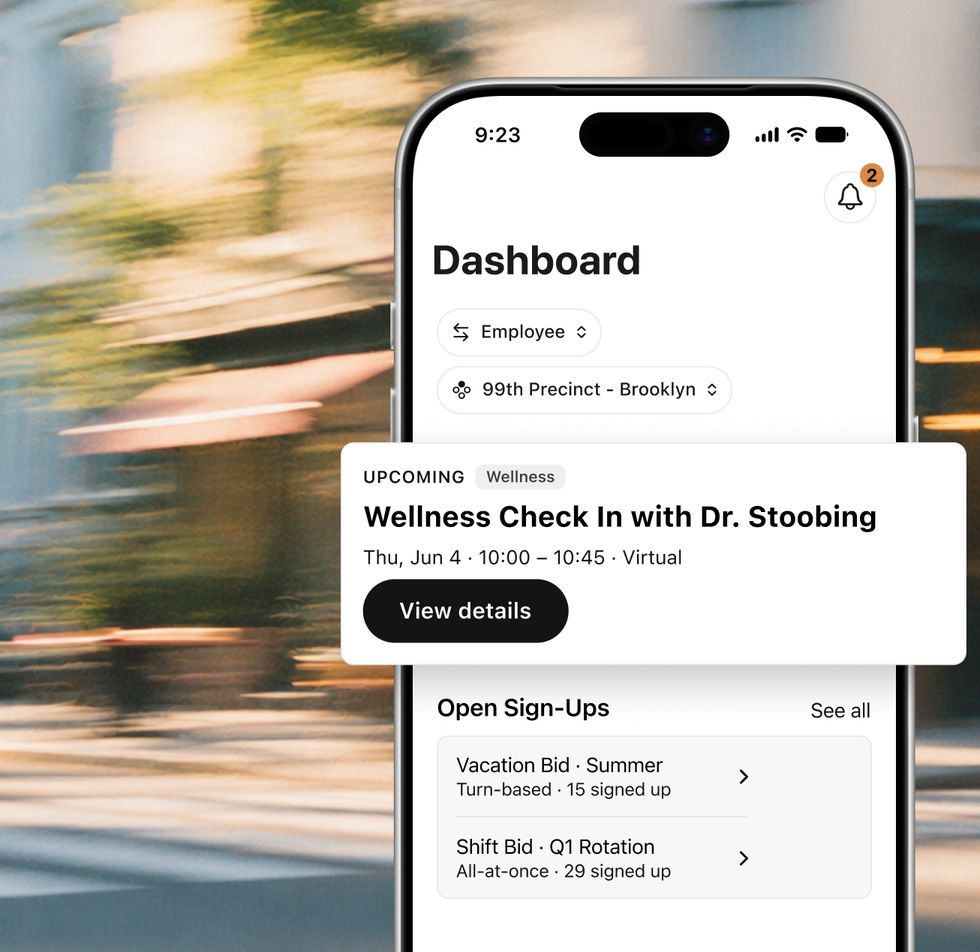
- Submit preferences for positions in an upcoming schedule template during your agency’s shift bidding period.
- Authorized supervisors can review leave or activity requests, including relevant notes and alerts, before making a decision.
Timekeeping and Records
Handle time records without returning to a workstation
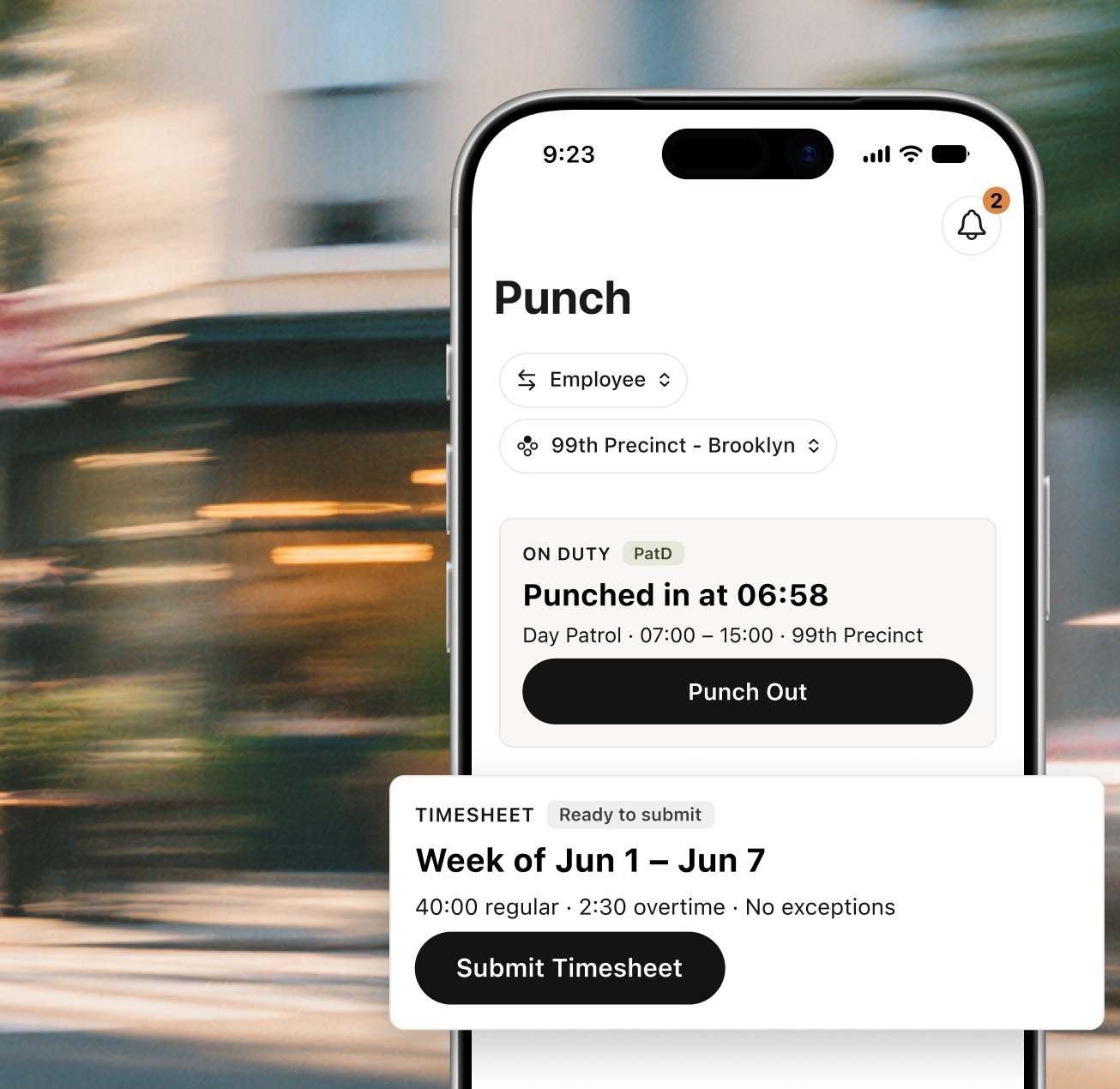
- Punch in and out where enabled, and submit OT slips or activity requests for time worked.
- Review and submit timesheets, with mobile approvals available to authorized supervisors.
Wellness Resources
Reach support privately when you need it
- Access mental health and wellness resources anonymously through the InTime Wellness Resource Library.
- Available around the clock from your phone when your agency uses InTime Wellness.
Because every hour
matters in public safety.
"With InTime, making schedule changes is so much simpler that we've reduced our time spent scheduling by 90%."

Napa Police Department
Kristofer Jenny, Sergeant
78
Sworn officers
76K
Population served
01
Download the app
Employees download InTime Mobile to their personal phone and sign in using their agency-provided account.
02
Stay in the loop
Receive notifications about schedule changes, available shifts, or requests that need attention.
03
Take action from anywhere
Respond to opportunities, submit requests, or manage approvals directly from the app.
Your mobile connection to the rest of InTime.
Scheduling
Manage coverage, rotations, and daily staffing changes in one live schedule.
Overtime Management
Fill open shifts using your rules for eligibility, outreach, and equitable distribution.
Leave Management
Manage requests, balances, approvals, and schedule impact in one workflow.
Timekeeping
Create timesheets from the live schedule for review, approval, and payroll export.
Training Management
Identify training gaps that could affect an employee’s eligibility for a shift.
Wellness and Fatigue Management
Monitor fatigue risks based on hours worked, rest periods, and agency-defined limits.
Take InTime beyond the desk
Give your team a faster way to respond to schedule changes and requests, without adding more work for your schedulers.
Frequently asked questions about
the InTime mobile app.
Does our agency need InTime to use the app?
Yes. InTime Mobile connects to your agency’s InTime system. Available features depend on your agency’s modules, configuration, and user permissions.
Is InTime Mobile available on iPhone and Android?
Yes. The InTime Scheduling app is available for iOS and Android. Employees sign in using the account provided by their agency.
Can supervisors approve requests from their phone?
Yes. Authorized supervisors can approve or reject activity requests. Mobile also supports timesheet approvals within the agency’s configured workflow.
Does signing up for an open shift guarantee the assignment?
No. A signup enters your agency’s shift-assignment process. Eligibility, union rules, and the configured distribution method determine who is assigned the work.
Can employees trade shifts and take part in shift bidding?
Yes. Employees can initiate or respond to trades for existing shifts throughout the year (subject to supervisory approval). When your agency opens a shift bidding period, employees can submit preferences for positions in an upcoming schedule template.
How do mobile notifications work?
Push notifications can alert staff to schedule changes, available work, and request decisions. Delivery depends on the agency’s notification configuration and the user’s app and device settings.